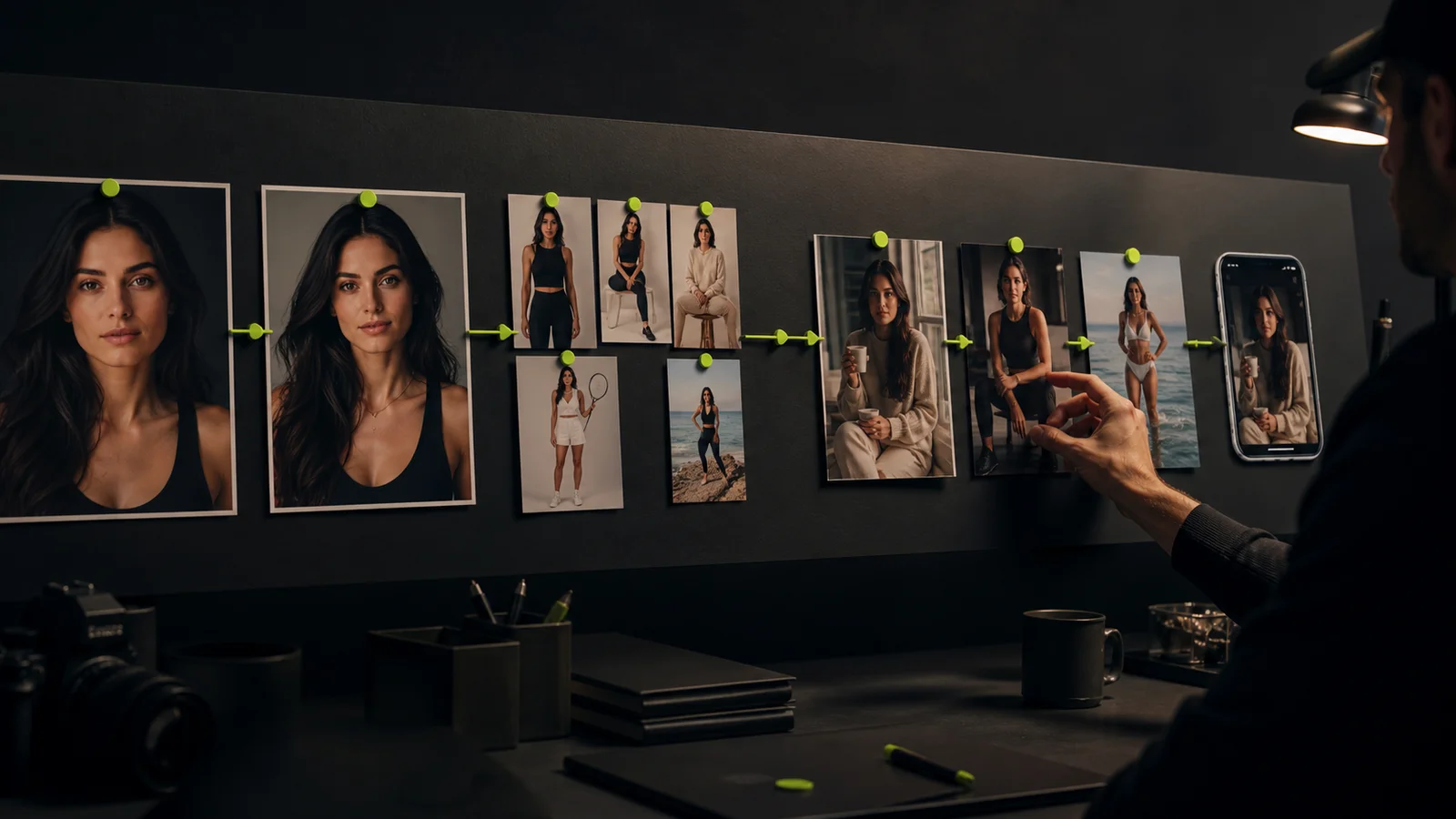
Generative AI content includes text, images, audio, and video created or transformed with generative models. For a creator, the practical question is how to turn those outputs into something accurate, coherent, and ready for an audience.
A useful workflow starts with a brief and ends with a reviewed publication. Between those points, different tools may draft copy, develop a visual, add motion, or help edit. The person running the project remains responsible for what the final piece communicates.
Choose the output before the model
Define the finished asset and its destination. A blog illustration, a speaking avatar, a short visual clip, and a product explainer have different requirements. The same prompt should not be expected to solve all of them.
| Content type | Useful input | Review priority |
|---|---|---|
| Text | Brief, sources, audience, and examples | Accuracy, voice, and useful detail |
| Image | Permitted references and composition goals | Subject identity, anatomy, and visual meaning |
| Audio | Approved script and permitted voice source | Wording, pronunciation, and audio quality |
| Video | Approved visuals, script, and motion intent | Continuity, timing, and the full message |
Treat this as a planning table, not a claim that one platform provides every stage. Select a tool for the job it must finish and confirm the required features in the account you will use.
Write a brief that can reject a bad result
Specify the audience, message, format, reference material, and acceptance criteria. Include what must stay accurate and what can be explored. A brief that says only “make it engaging” gives the reviewer no stable standard.
For example, a creator tutorial might need an original visual illustrating a lighting choice, a short explanation grounded in the actual workflow, and a link to a relevant guide. It does not need invented market statistics or a testimonial from a person who never used the product.
Use the content brief template to keep the source material and review criteria close to the draft. When a claim lacks a reliable source, verify it, narrow it, or remove it.
Develop a controlled first draft
Start with one output that tests the main idea. Save the source and settings so a useful direction can be continued. Change one important variable at a time when diagnosing a failure.
For recurring creator images, Fanerse Studio supports reference-guided generation from material you own or have permission to use. Develop the still image first and compare it with the approved identity. Eligible video can follow when movement is part of the brief.
Keep identity, scene, and editorial voice as separate decisions. The same face can appear in an inconsistent story, just as a consistent caption style can accompany images that look like different people. The digital persona guide explains how to connect those elements.
Review each medium on its own terms
Check written claims against their sources rather than accepting them because they are fluent. Read names, quotations, links, and numbers carefully. Remove filler that repeats the introduction without advancing the explanation.
For images, inspect the intended subject and small details at full size. For video, watch the complete sequence and compare the opening, middle, and ending. For audio, listen to the final export and check the spoken words against the approved script.
Then review the combined piece. A correct caption can become misleading beside an unrelated image. A visually plausible product scene can imply a result the product owner has not supported. Judge the complete message, not only the quality of its components.
Keep a record of sources and decisions
Store the input references, source URLs, draft version, edits, final filename, and reviewer. Record the intended uses of third-party material and resolve unclear permissions before publication. A generated output does not settle the permissions attached to its inputs.
Where supported, Content Credentials can provide signed provenance information about an asset's history. The C2PA explainer describes the approach and its limits. Such records do not establish that the content is true or that every underlying use was permitted.
Maintain your own project record even when a tool provides metadata. Do not assume that every exporter or publishing destination preserves it, or that a particular watermark is present without checking the file.
Publish a complete, reviewed asset
Prepare the crop, captions, audio, alt text where applicable, and destination link. Use suitable AI disclosure and check the destination's current publishing requirements. Preview the piece at its actual viewing size before release.
Keep “approved,” “scheduled,” and “published” as different states. Save the final URL once the publication is verified. That record helps with later corrections, performance analysis, and duplicate prevention.
Fanerse is part of the creator production workflow. External publishing and the review of a commercial offer remain distinct steps. Marketplace creator listings and Links packs also have their own eligibility and transaction conditions.
Improve the process with real production data
Count the drafts, accepted outputs, revision time, and usage cost for a completed batch. Include failed attempts in the total. Evaluate audience results against the objective of the published piece rather than assuming more generation means better performance.
Keep a small library of examples showing what passed and what failed. Specific notes such as “caption claims a real event” or “face changes during motion” make the next review more useful than a vague quality score.
Start with one brief and one complete publication cycle. Use the AI creator tools comparison to choose the stages you need, and Fanerse Studio when your work centers on a recurring visual creator. Expand the process after you can explain and reproduce an acceptable result.