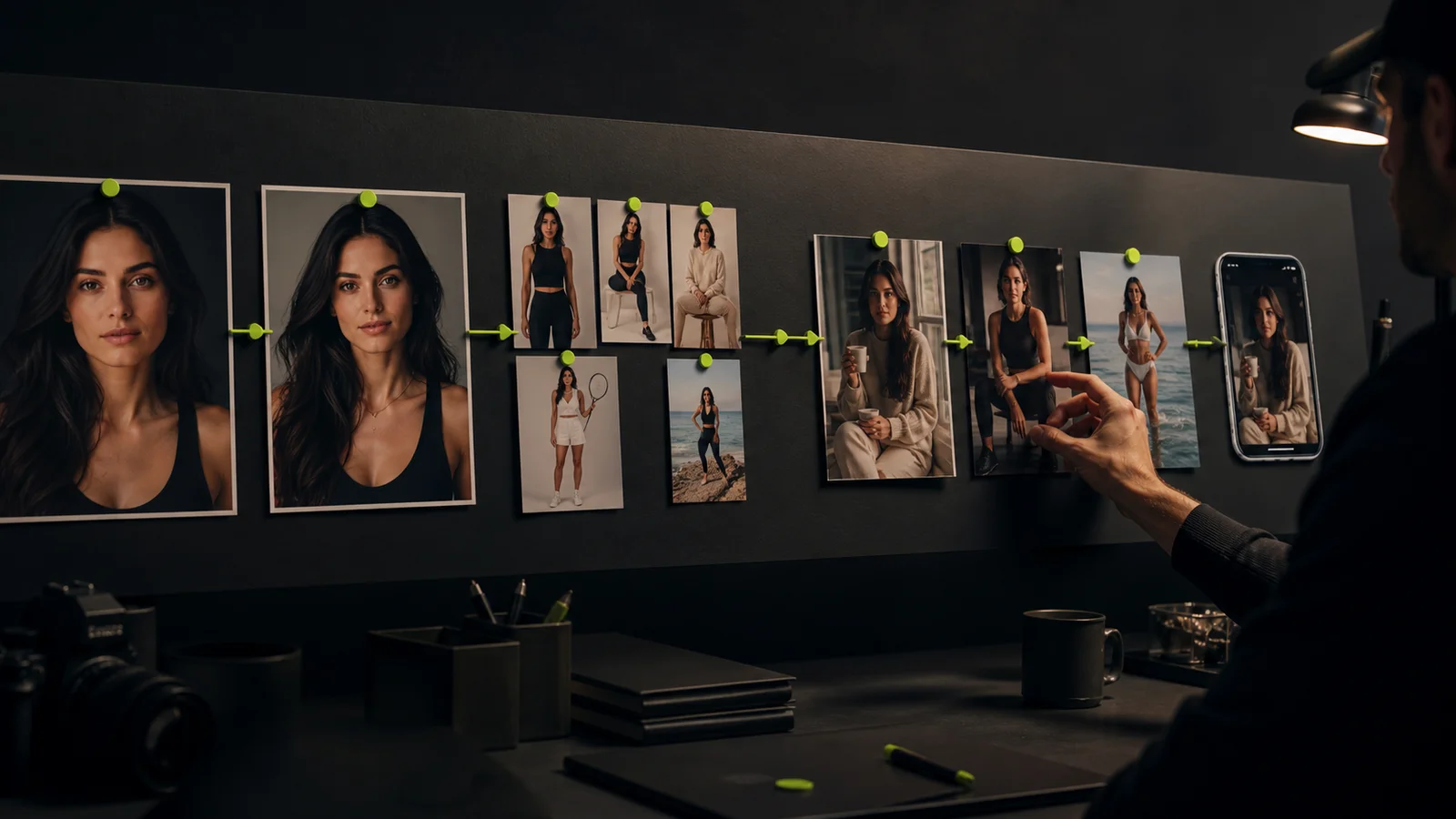
An AI social media content creator can help prepare ideas, images, video, and captions. The useful unit of work is still a complete post: an approved asset, accurate copy, a destination, and a verified publication state.
For a recurring digital character, the challenge is keeping batches coherent without letting the queue publish material nobody has reviewed. This guide focuses on that handoff from production to a live post. It separates the creative workflow from the tools used to publish on each social platform.
Start with a post brief
Give each post one objective. It might explain a creative process, show a visual variation, or direct an interested viewer to a relevant page. “Make more content” does not tell a reviewer what an individual post should accomplish.
Record the intended audience, character reference, message, format, destination, and evidence for any factual claim. Add the call to action only after the message is clear. A useful content brief template can keep those decisions together.
Use an example brief to establish the format: a fictional style creator, one image comparing two lighting choices, a short explanation, and a link to a detailed guide. The generated scene should support the explanation rather than imply a real event that did not happen.
Give the queue clear states
| State | Meaning | Evidence to keep |
|---|---|---|
| Draft | Material is still being prepared | Source and working file |
| In review | A specific asset and caption are ready for inspection | Version awaiting approval |
| Approved | The complete combination passed review | Reviewer and final file |
| Scheduled | The destination accepted a future publication | Platform confirmation and time zone |
| Published | The post is actually available | Published URL and verification time |
| Needs correction | A release or content problem was found | Issue, owner, and next action |
Do not treat a generated image, an export, or a scheduler's draft as a published post. Keeping those states separate is one of the simplest ways to avoid duplicates and missed releases.
Batch the decisions that belong together
Plan a small batch around one theme, then generate the missing assets. Review visuals together for identity and variety before finalizing captions. A batch should make it easier to compare related posts, not force every post into the same wording.
In Fanerse Studio, use permitted references to guide creator images and eligible video. Keep the approved identity as the baseline while varying scene, pose, or format. Inspect outputs for drift before moving them into the approved queue.
Write captions from the brief and final image. Remove generic openings that could describe any post, invented experiences, and claims that the asset cannot support. Read the complete batch once to catch repeated hooks and contradictory character details.
Separate a generation routine from social publishing
Fanerse's creator routines can help organize generation work. A routine producing assets does not prove that those assets were posted to Instagram, TikTok, YouTube, or another destination.
Export the approved files and use the destination's supported publishing tools or your authorized scheduler. Check the exact account, format, caption, time zone, and any required media labels. Verify the result through the published URL or the destination's publication status.
When a publication fails, inspect the recorded state before retrying. An uncertain response can mean the operation failed or that it completed without a confirmation reaching you. Checking first avoids posting the same content twice.
Make a final review at destination size
Look at the actual export on a phone-sized view. Check the crop, text size, captions, audio, and whether important details sit behind interface overlays. A clean desktop preview is not enough for a mobile feed.
Use a short checklist: correct character, accurate message, permitted sources, readable presentation, working destination link, and suitable AI disclosure. Confirm the platform's current requirements when preparing the release rather than relying on an old checklist indefinitely.
Keep a human editor responsible for corrections and sensitive replies. A recurring fictional persona can have a consistent voice without inventing expertise or making unsupported personal recommendations.
Measure the objective instead of the queue size
For an educational post, useful responses and relevant saves may matter more than the number of generated drafts. For a traffic post, examine visits to the destination and the next intended action. Compare similar formats over a meaningful period before changing the entire strategy.
Link each result to its published URL and creative brief. Record whether a post was organic or promoted so the results are not mixed casually. Use your approved analytics setup and consent process for website measurement.
Track production separately: accepted assets, revision time, failed publications, and duplicate attempts prevented. These measures identify whether your bottleneck is creation, review, or release. The workflow measurement guide provides a broader operating framework.
Build the next batch from what you learned
Review what viewers understood, what the team could produce reliably, and where publication needed intervention. Keep successful formats, revise weak briefs, and reduce work that repeatedly fails review.
Use Fanerse Studio to develop the visual assets, maintain a clear approval queue, and verify each release in its actual destination. A smaller set of coherent, published posts is a more useful operating result than an expanding folder of unreviewed drafts.