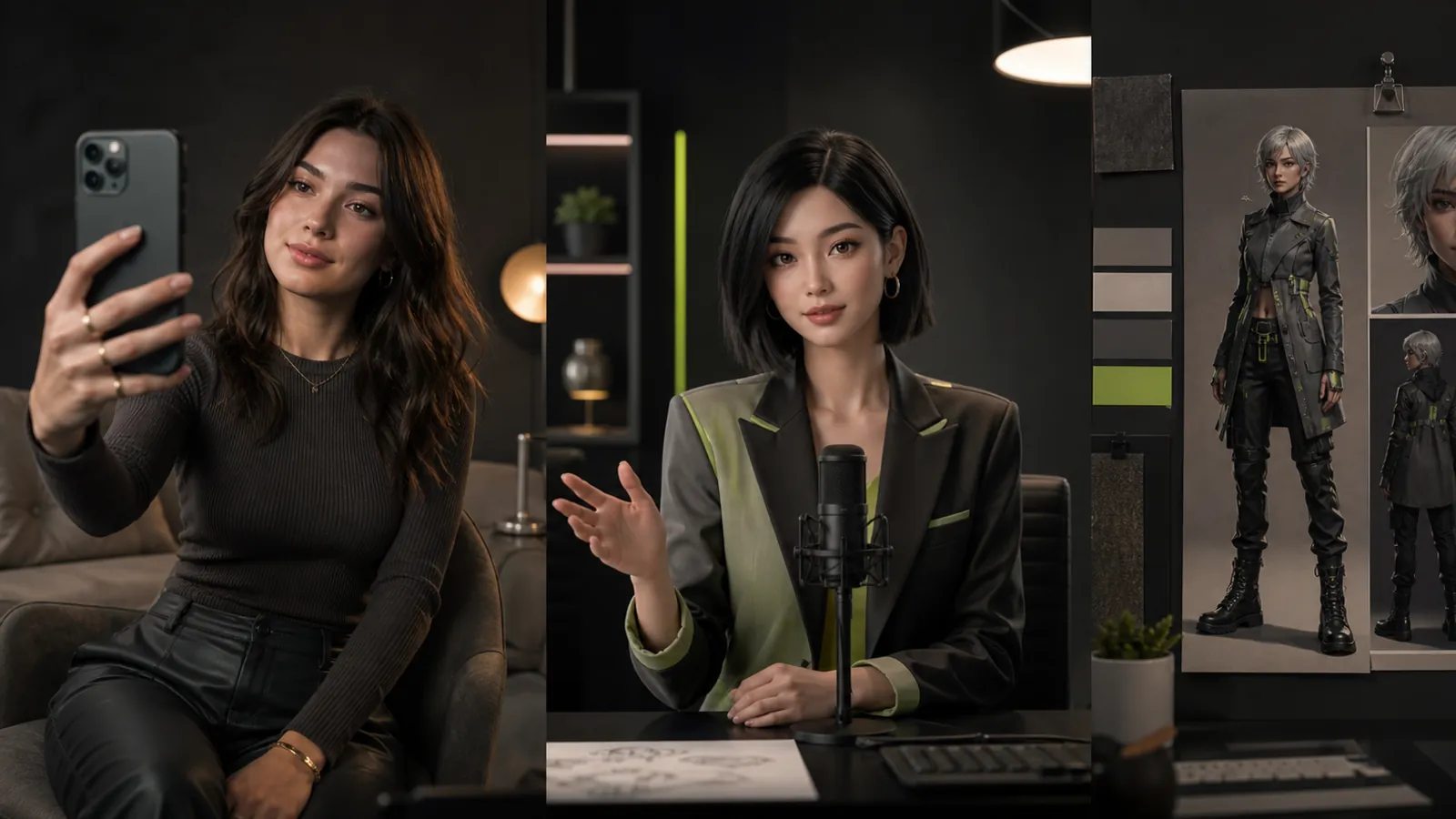
The best AI avatar generator depends on the deliverable. A recurring fictional creator, a translated presenter, and a character inside a game should not share one scorecard. Start with the job and choose a small shortlist within that category.
These seven selections are editorial starting points, not a tested league table or a claim that one vendor outperforms every alternative. Product categories were checked against official sources on September 22, 2026. Run the suggested pilot in the exact account and export mode you intend to use.
A decision guide by use case
| If your main job is... | Start by evaluating... | Pass condition for your pilot |
|---|---|---|
| A recognizable creator across scenes | Fanerse Studio | A coherent, reviewed image series |
| A presenter message in several languages | HeyGen | Accurate scripts, speech, and captions |
| A reusable business lesson | Synthesia | A lesson another editor can update |
| A photo-based speaking avatar | D-ID | A reviewed short speaking output |
| Workplace learning content | Colossyan | A lesson delivered in the learning environment |
| Presenter-led business communication | AI Studios | A readable and accurate final video |
| A 3D avatar for an application | Avaturn | An avatar that works in the destination runtime |
1. Fanerse Studio for a recurring creator
Fanerse is a candidate when the identity is part of an ongoing content series. Start with a reference you own or have permission to use, generate creator images across different settings, and inspect the results together.
Use a close portrait, a wider scene, and a different viewing angle in your pilot. Record which outputs remain recognizable and which need revision. Eligible video can be a later step once the still images pass review.
Check current Studio plans for access and credits. Marketplace listings and Links packs serve separate selling workflows; they are not evidence that a generated asset has been automatically distributed or that a sale is guaranteed.
2. HeyGen for a multilingual presenter pilot
HeyGen offers avatar-video and translation capabilities. It is worth evaluating when the same reviewed message needs several language versions.
Include a proper name, a technical phrase, and a deliberate pause in your script. Have a competent reviewer assess each language. A pilot fails if the translation changes the message, even when the video looks polished.
Keep the approved source script with the final versions so later corrections can be applied consistently.
3. Synthesia for a lesson that needs maintenance
Synthesia focuses on business video creation. Evaluate it when your output must remain consistent across lessons and future updates.
Produce a short lesson, then ask another editor to replace a sentence and supporting visual. Assess the time needed to revise, review, and export the updated version. This maintenance exercise reveals a different kind of fit from generating the first draft.
Confirm the team and delivery features required by your organization before making them part of the workflow.
4. D-ID for a speaking-avatar task
D-ID provides talking-avatar creation and developer options. It is a focused candidate when a portrait or avatar must deliver speech.
Use a permitted source and a short approved message. Judge facial movement and audio together, and inspect the final crop. If your application will call an API, include completion handling, failed requests, and a review step in the pilot.
Decide first whether you need prerecorded output or an interactive experience; those requirements should be evaluated separately.
5. Colossyan for workplace learning
Colossyan is oriented toward AI-generated learning video. Its fit depends on the instructional workflow, not simply the appearance of a stock presenter.
Test a real lesson with the person responsible for learner delivery. Check readability, terminology, updates, and any export or learning-system requirement in the intended environment. Keep a record of what was validated in the selected plan.
A file that plays correctly in the editor is not the same as a lesson verified in the system learners use.
6. AI Studios for presenter-led communication
AI Studios offers avatar video tools for turning content into a presenter-led output. Evaluate it with an update that combines a speaker and supporting text or visuals.
Review the final export at its actual display size. Check whether the visual hierarchy supports the message, whether the presenter obscures important content, and whether timing matches the script. Test a requested revision before approving the workflow.
Treat additional API or interactive deployment needs as their own pilot scope.
7. Avaturn for a 3D application avatar
Avaturn creates 3D avatars from selfies. This is a different branch of the decision tree: the deliverable is a character for an experience, not just a presenter video.
Test with the actual runtime and required export or integration path. Inspect movement, materials, and customization after the avatar leaves the creation tool. Include the developer effort needed to make the complete experience work.
If all you need is a rendered social clip, first confirm that a 3D pipeline adds something worth that additional setup.
Make the final choice with one complete job
Use the same source and message when comparing tools in the same category. Record generation usage, rejected drafts, reviewer time, final exports, and the work needed for a correction. Compare the complete cost of approved output rather than the advertised allowance alone.
Review permissions for the face, voice, and intended distribution. Avoid interpreting a vendor demo as permission to reproduce the person shown in it. Use the disclosure appropriate to the content and confirm the current requirements of its destination.
For a broader taxonomy that includes character-design software, see the ten-tool avatar creator guide. To make your first clip, follow How to Create an AI Video Avatar. Choose the tool that finishes your actual job with a clear, repeatable review process.