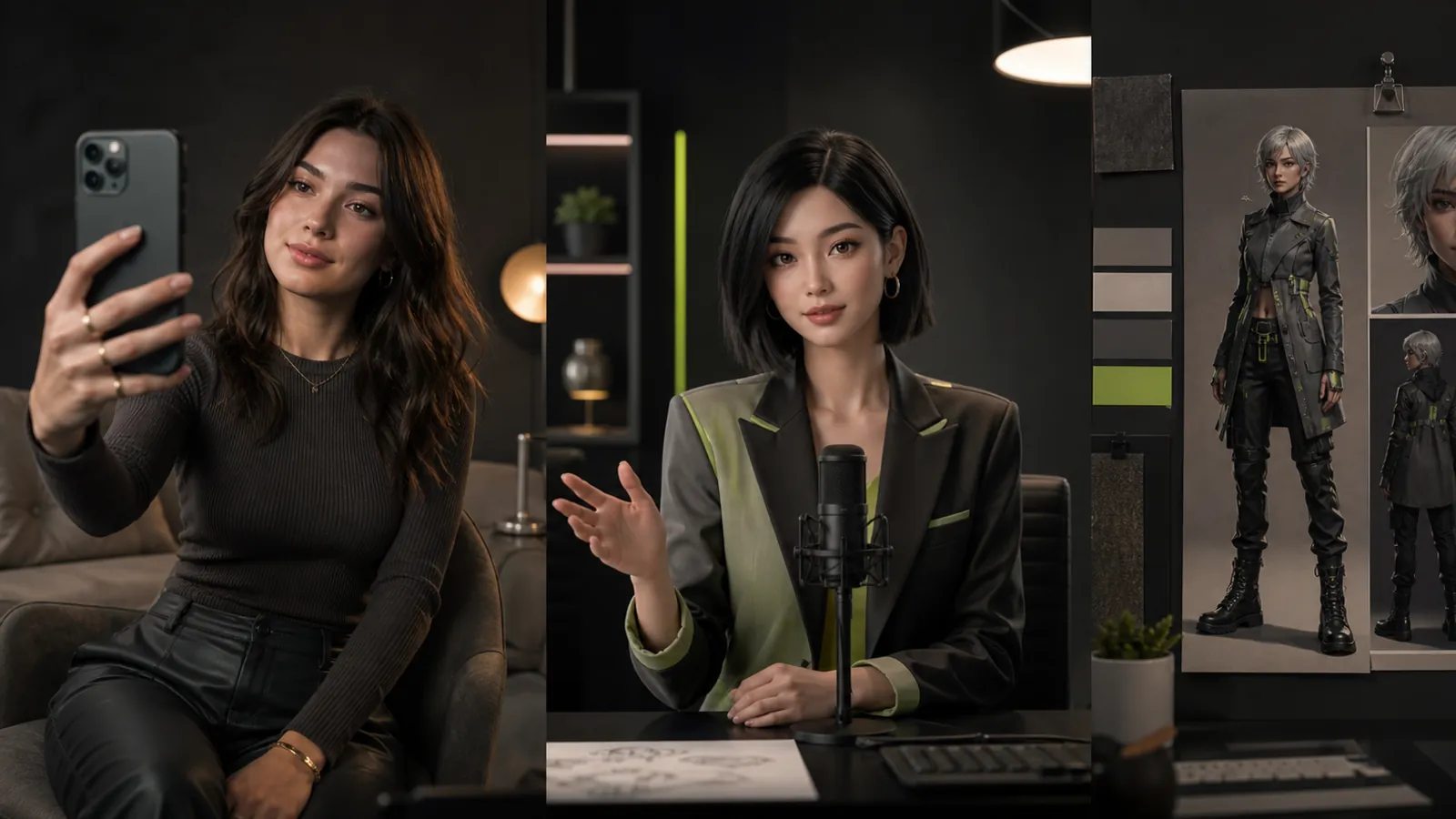
“Avatar creator” can mean a profile-image app, a presenter-video platform, or software that exports a rigged character. Those results are not interchangeable. The first decision is the output you need and the environment where it must work.
This guide maps ten tools to production requirements. It is an editorial category comparison, not a hands-on ranking. Official product information was reviewed on September 22, 2026; use the linked sources to confirm the current features for your intended account and workflow.
Write an output specification
Before choosing software, specify whether the deliverable is a still image, a rendered video, or an editable 3D asset. Add the intended destination, required aspect ratios, source permissions, revision needs, and the people who will operate the tool.
If the destination is a game engine, export compatibility matters more than a beautiful video demo. If the destination is a training library, the ability to revise the message matters more than an elaborate character rig. For social creator work, test recognition across posts instead of judging one portrait.
Ten tools and the handoffs to test
| Tool | Output category | Handoff to evaluate |
|---|---|---|
| Fanerse Studio | Creator images and eligible video | Approved assets for an ongoing content series |
| HeyGen | Avatar video | Script, language review, and final video |
| Synthesia | Business presenter video | Lesson review and future updates |
| D-ID | Talking avatars and API workflows | Photo or presenter input to a speaking output |
| Reallusion Character Creator | 3D character production | Character asset into animation or rendering |
| VRoid Studio | Stylized 3D characters | VRM export into a compatible application |
| Avaturn | Selfie-based 3D avatars | Exported avatar into the intended experience |
| Colossyan | Learning and training video | Reviewed lesson into learner delivery |
| AI Studios | AI presenter video | Script and visual layout into a final export |
| Avatar SDK | Photo-based 3D avatar technology | Avatar creation integrated with an application |
1. Fanerse Studio
Choose Fanerse Studio for evaluation when the project centers on a recurring creator in images and eligible video. Its reference-guided workflow lets you work from a permitted identity source and vary poses or scenes.
Test the same identity across a small series. The acceptance question is whether each result still belongs to the approved creator, with usable anatomy and composition. Keep publishing and any Marketplace or Links transaction as separate decisions after asset review.
2. HeyGen
HeyGen offers avatar-led video creation and language workflows. Evaluate a script representative of your real content rather than a generic greeting.
Check pronunciation, pacing, and each language version. The handoff is complete when the approved script, captions, and final video agree, not simply when the presenter looks convincing.
3. Synthesia
Synthesia is oriented toward business video. Consider it for recurring explanations, onboarding, and instructional content that needs a repeatable format.
Test how a colleague updates an existing lesson. Include template consistency and reviewer access in the evaluation. The person who maintains the content should participate in the pilot.
4. D-ID
D-ID's Creative Reality Studio provides a route to talking-avatar content, alongside developer-oriented offerings. Evaluate it when a speaking representation is the core deliverable.
For an API project, specify how your application handles failed requests, completed files, and human review before release. A successful demonstration is only one part of an integrated workflow.
5. Reallusion Character Creator
Character Creator is 3D character design software. Its category fits projects that need editable characters for animation or rendering, rather than only a finished portrait.
Test the asset in the actual downstream software. Inspect materials, skeleton behavior, clothing, and the export settings your team requires. Include the time needed to learn and maintain the pipeline.
6. VRoid Studio
VRoid Studio supports creating stylized 3D characters and exporting VRM files. It belongs on a shortlist when the intended experience accepts that character format and aesthetic.
Import a test export into the destination application early. Check expressions, hair, clothing, and rendering there; an editor preview alone cannot establish compatibility with your complete setup.
7. Avaturn
Avaturn offers realistic 3D avatar creation from selfies. Evaluate it for an experience that needs a 3D representation of a participating user.
Test the source capture, customization, and downstream avatar behavior together. Record how the application explains image use and what happens when a user wants to change their avatar. Verify your required integration and export options directly.
8. Colossyan
Colossyan focuses on AI video for workplace learning. Its relevance comes from the lesson workflow around the presenter.
Use a representative lesson and test delivery in your learning environment. If a particular LMS or export format is required, validate it before selecting a plan rather than assuming every video export covers that need.
9. AI Studios
AI Studios offers AI avatar video creation. Consider it when a team needs to combine a presenter, script, and supporting material into a communication asset.
Test a layout containing the text and visuals you actually publish. Inspect the exported file for readable text, accurate timing, and correct language. Assess any interactive or API requirement separately from prerecorded video.
10. Avatar SDK
Avatar SDK provides technology for creating 3D avatars from photos. This is a development-oriented choice when avatar creation is part of an application experience.
Write down the required integration, output format, and operating environment before the pilot. Test the full user journey from permitted input to usable avatar, including a failed capture and a retry.
Compare complete handoffs, not feature counts
Give shortlisted tools the same brief within their category. Record what enters the system, what leaves it, and what another tool or person must do next. Include revision time, export restrictions, usage charges, and source-permission records.
For creator images, use a consistent-character test. For presenter work, use an AI video avatar pilot. If you need a shorter decision guide organized around seven common use cases, see AI avatar generators.
Choose the workflow whose output you can use and maintain. A compatible, reviewable handoff is more useful than an impressive demonstration in a different category.

