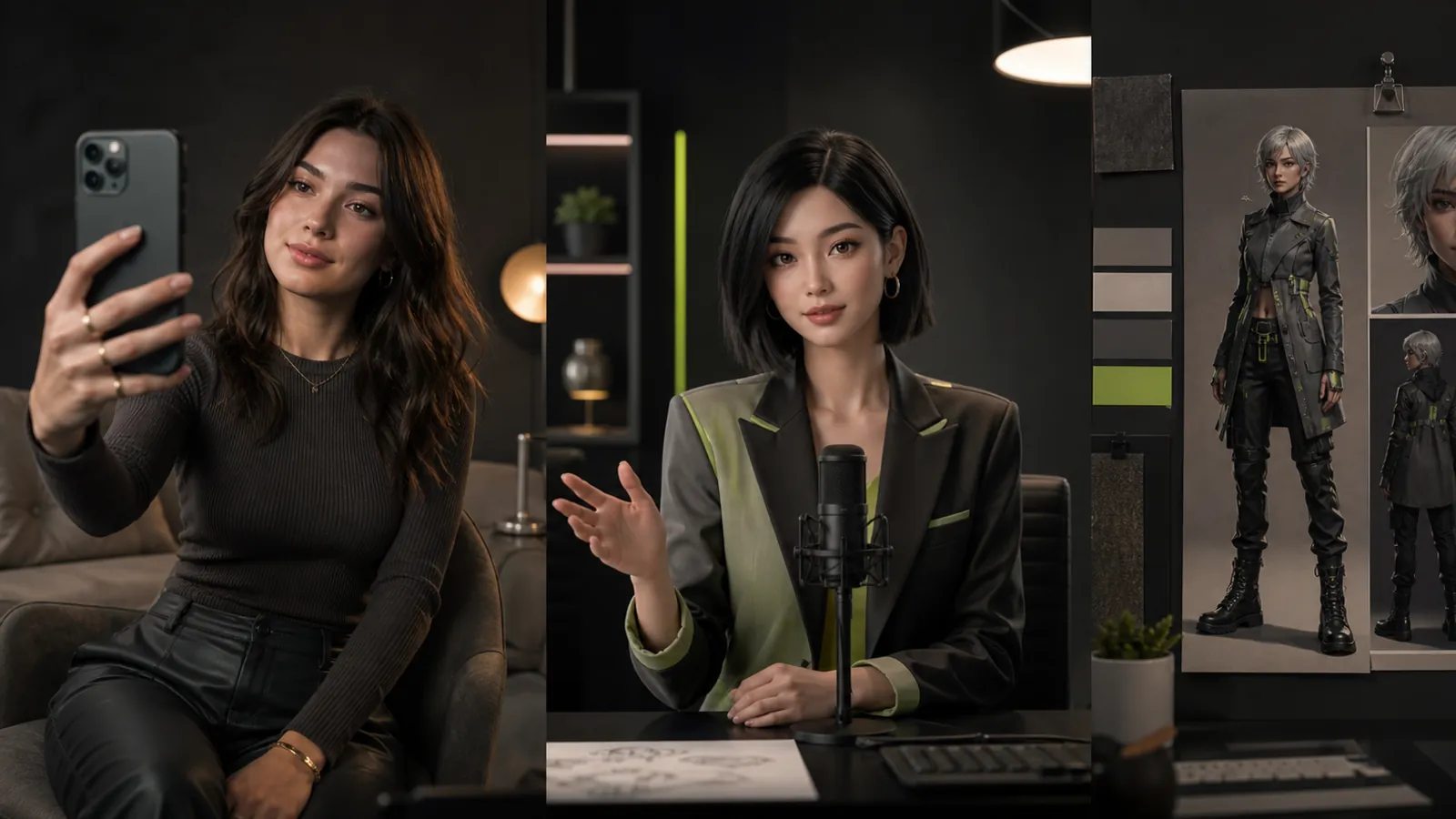
One platform will not solve every influencer-production problem. A team that needs a consistent digital character has a different job from one that needs presenter video, voice localization, short-form editing, interactive talent, product imagery, or cinematic B-roll.
The useful way to compare AI influencer tools is by workflow. Start with the bottleneck, identify what must remain consistent, then test the smallest production path that can deliver an approved campaign asset.
This comparison covers ten tools across identity creation, presenter video, voice, editing, interactive avatars, commercial imagery, and cinematic generation. It avoids scoring tools on a universal scale because output quality, pricing, limits, and plan availability change frequently. Feature descriptions were reviewed against official product pages on September 7, 2026; confirm current terms before purchasing.
Editorial disclosure: this article is published by Fanerse, and Fanerse appears first because the comparison starts with an identity-first creator workflow. The other platforms are included for the different production jobs they address.
Table of Contents
- 1. Fanerse
- 2. Synthesia
- 3. HeyGen
- 4. D-ID Creative Reality Studio
- 5. Colossyan
- 6. ElevenLabs
- 7. Captions
- 8. Soul Machines Studio
- 9. ZMO.ai
- 10. Runway
- Comparison Table
- How to Choose
1. Fanerse
Fanerse fits campaigns that begin with identity consistency. The workflow starts from a reference image the creator owns or has permission to use, then uses that identity as guidance across new poses, scenes, and eligible image-to-video outputs. That is different from prompt-only exploration: the goal is a recognizable recurring character rather than a collection of unrelated synthetic people.
Director Mode provides controls for angle, distance, time, weather, and expression. The REMIX workflow supports controlled variations when an output is close but not ready. A curated reference library helps creators direct pose, camera, mood, and scene without writing every visual instruction from scratch.
Practical rule: when the same face must remain recognizable from one post to the next, evaluate identity guidance before cinematic effects or raw output volume.
Fanerse also includes Life Engine for recurring content schedules plus separate commerce surfaces for creator listings and content packs. The payment distinction matters: Marketplace and Fanerse Links are crypto flows, while Stripe is reserved for Studio subscriptions and credit packs. Teams should verify current commerce availability and terms before planning a launch.
The trade-off is review. Reference guidance can improve continuity, but output can still drift. A team needs to budget for selection, retries, and final quality checks. Credit-based usage also means that production estimates should include unsuccessful generations, not only the assets that ship.
Fanerse is most relevant for social teams, agencies, e-commerce brands, and small studios that want creation and recurring character management in one place. Start with the guide to creating an AI influencer and the Fanerse Studio.
2. Synthesia
Synthesia is designed around presenter-led business video. Its official platform covers AI avatars, voiceovers, localization, templates, collaboration, analytics, and brand controls. That makes it useful for explainers, training, onboarding, product education, and campaign segments where a stable presenter matters more than an evolving creator identity.

The workflow can start from a script, document, link, presentation, or prompt. Teams can then choose an avatar, edit scenes, apply available brand settings, translate the finished video, and publish or export. Synthesia's official product overview describes the platform as an all-in-one business video workflow and lists its current language and collaboration capabilities.
The strongest fit is structured communication. A marketing or enablement team can standardize how presenter videos are assembled and updated without coordinating a new shoot for every script revision.
The limitation is category fit. A presenter avatar is not automatically a persistent social character with an identity system, visual world, and content calendar. Test the exact language, voice, avatar, and delivery style you intend to use before scaling.
3. HeyGen
HeyGen combines avatar-led video with localization and creator-friendly production features. Its current product materials emphasize a text-based editor, avatar generation, voice cloning, captions, B-roll, team collaboration, and video translation with lip synchronization.
This makes HeyGen a practical candidate for social ads, product demos, localized explainers, and short videos that begin with a script or existing footage. The official HeyGen platform page is the right place to confirm current avatar modes, supported languages, and plan limits.
The advantage is breadth. A team can move from script to avatar video and localization without assembling a separate tool for every step. The risk is that breadth can complicate forecasting. Avatar generation, translation, voice, and collaboration may follow different limits or plan rules, so map the real workflow before subscribing.
Choose HeyGen when avatar video and localization are the core output. Choose an identity-first platform when the larger problem is keeping a fictional creator visually coherent across still images, scenes, and recurring campaigns.
4. D-ID Creative Reality Studio
D-ID Creative Reality Studio focuses on avatar-driven video from text, audio, or still images. D-ID also provides APIs for teams that want a digital presenter or interactive avatar inside another product, site, or support workflow.

The official Creative Reality Studio describes tools for realistic avatars, localization, brand customization, marketing, learning, and business communication. D-ID's developer documentation covers avatar-video and interactive-agent capabilities exposed through the API.
The clearest use case is a talking face connected to a repeatable system. That can support product help, personalized messages, rapid localization, and prototype experiences where video must be generated from structured inputs.
The trade-off is cinematic scope. A talking-avatar platform is not a full scene generator, and integration adds engineering and governance work. Teams also need to confirm export, watermark, commercial-use, and privacy terms for the exact plan they intend to use.
5. Colossyan
Colossyan is built for training and enablement video. It supports AI presenters, script and document inputs, scene editing, translation, collaboration, interactive elements, and learning-system delivery. Those priorities make it relevant when a creator campaign needs to explain a product, teach a workflow, or deliver repeatable micro-learning rather than chase a cinematic social aesthetic.
The official Colossyan feature overview positions the platform around turning existing knowledge into video-led training. Its learning center shows workflows for documents, avatars, voices, translation, interaction, collaboration, and export.
The advantage is operational structure. Teams can organize reviews and standardized learning outputs in a workflow designed for instruction. The limitation is creative fit: highly stylized influencer visuals or persistent fictional character worlds are not the platform's primary job.
Shortlist Colossyan when the desired output is a course, onboarding module, compliance explainer, or product-training video with a presenter.
6. ElevenLabs
ElevenLabs provides the voice layer for many creator stacks. Its platform and APIs cover text-to-speech, voice creation and cloning, speech-to-speech, dubbing, and other audio workflows. That makes it useful when the visual character comes from one system but narration and localization need their own production control.
The ElevenLabs documentation explains the available voice infrastructure, while its dubbing guide describes translation, speaker detection, voice preservation, and downloadable results.
The main benefit is specialization. A creator can maintain a voice direction across social clips, product videos, podcasts, and localized versions while using a separate image or video tool for the visual layer.
The main risk is rights management. Voice cloning and dubbing require permission, appropriate disclosure, and clear controls over who can use the resulting voice. Teams should confirm the platform's current verification, plan, and commercial-use requirements before uploading source audio.
Voice rule: if a voice will appear in public, document the speaker's authorization before cloning, translating, or reusing it.
7. Captions
Captions is oriented toward social-video creation and editing. Its current tools include prompt-to-video, AI editing, automatic captions, clips, dubbing, and AI Twins created from an authorized recording or image. The workflow is designed for creators who want to move quickly from script or raw footage to a finished social asset.
Captions' official product documentation describes talking-head generation, automated edits, subtitles, short-form clipping, AI Twins, and publishing-ready exports. Its AI Twin guide explains how a creator can build a reusable on-camera likeness from their own source material.
The advantage is speed in the last mile. Captions can handle editing, captions, pacing, and format work that would otherwise move through several apps. It is a strong candidate when the bottleneck is producing and finishing short-form video.
The limitation is that feature availability can vary by device and plan. Treat Captions as the social-production layer unless its avatar workflow also passes your identity, rights, and quality tests.
8. Soul Machines Studio
Soul Machines occupies a different category: interactive digital people. Instead of generating only pre-rendered clips, its platform is designed around embodied AI agents that can appear, speak, and respond in real time.
The Soul Machines platform describes Digital Workers, an integration layer, and Soul Machines Studio for building and testing custom experiences. That makes the product relevant to virtual hosts, concierge experiences, interactive brand representatives, and customer-facing agents.
The advantage is live interaction. A brand can design an experience in which the digital person responds rather than simply delivers a fixed script. The trade-off is implementation weight: conversational logic, integrations, safety, analytics, escalation paths, and maintenance all become part of the project.
This is generally an enterprise or strategically important use case. Solo creators rarely need an embodied-agent platform when their output is a social post or conventional video.
9. ZMO.ai
ZMO.ai focuses on commercial imagery, including virtual fashion models, background generation, and product-photo workflows. It fits fashion, retail, and e-commerce teams that need on-model or campaign imagery rather than presenter video, narration, or interactive talent.
The official ZMO.ai model tool describes a workflow that starts with product images, model and background selection, generation, and download. Its broader photo studio includes background and editing tools for commercial visuals.
The advantage is a narrow e-commerce job: place clothing or products into a broader set of model and scene options without organizing a conventional shoot for every variation. The review burden remains high. Product shape, color, fit, material, and included details must match what a buyer will actually receive.
ZMO.ai is not a complete creator system. Pair it with voice, video, scheduling, or commerce tools only when the campaign requires those additional layers.
10. Runway
Runway is a broad creative-media platform with generation and editing workflows for video and images. It is useful when an influencer campaign needs cinematic B-roll, transitions, scene extensions, motion studies, or more ambitious visual sequences around a presenter or recurring character.
The current Runway model documentation lists video, image, real-time, and upscaling models available through its developer platform. Because that catalog changes, production teams should select capabilities based on current input, output, duration, and cost constraints rather than a model name copied from an older comparison.
The advantage is creative range. Runway can support mixed-media campaigns and provide a cinematic layer around assets made elsewhere. The trade-off is curation. Generative video still requires selection, trimming, continuity checks, and alignment with the actual campaign message.
Runway belongs on the shortlist when visual storytelling and motion design are the bottleneck. It is less direct when the central problem is managing a persistent influencer identity or a structured presenter workflow.
AI Influencer Tools Comparison
| Platform | Core workflow | Best fit | Check before adoption |
|---|---|---|---|
| Fanerse | Reference-guided creator images and eligible video, recurring schedules, separate commerce surfaces | Persistent digital characters and creator campaigns | Identity drift, credit usage, plan gates, commerce availability |
| Synthesia | Script or document to business presenter video and localization | Training, enablement, explainers, business communications | Avatar and language quality, brand controls, plan limits |
| HeyGen | Avatar video, editing, voice, and localization | Social ads, demos, multilingual avatar video | Credit rules, feature limits, exact localization workflow |
| D-ID | Talking avatars through a studio and APIs | Embedded presenters, support, rapid personalization | Integration effort, export terms, privacy, watermarks |
| Colossyan | Presenter-led training and interactive learning content | Onboarding, training, compliance, enablement | Creative fit, collaboration, SCORM and plan requirements |
| ElevenLabs | Voice generation, cloning, and dubbing | Narration, voice identity, multilingual audio | Permission, verification, disclosure, usage rights |
| Captions | Social-first generation, editing, captions, and AI Twins | Reels, Shorts, creator editing, talking-head output | Device and plan availability, identity quality, export rules |
| Soul Machines | Real-time embodied AI agents | Interactive hosts and enterprise digital people | Implementation, governance, escalation, total cost |
| ZMO.ai | Virtual models and commercial product imagery | Fashion, retail, e-commerce visuals | Product accuracy, reference quality, commercial terms |
| Runway | Generative and edited cinematic media | B-roll, motion, scene work, mixed-media campaigns | Model availability, continuity, curation, usage cost |
Choose by Workflow, Not Feature Count
Start with the production bottleneck:
- Choose an identity-first workflow when a fictional creator must remain recognizable across recurring images and video.
- Choose a presenter platform when a script needs a consistent on-screen speaker.
- Choose a voice specialist when narration, cloning, or dubbing is the difficult layer.
- Choose a social editor when raw footage or a generated presenter needs captions, pacing, and short-form exports.
- Choose an interactive-agent platform when the audience must converse with the digital person.
- Choose an e-commerce image tool when product and model visuals are the output.
- Choose a cinematic media platform when motion, B-roll, and visual transformation are the creative bottleneck.
Then test one complete campaign path. Use the actual reference, script, language, format, and approval process. Count retries and human review time. Confirm rights, export terms, and disclosure requirements. A short real-world test exposes more than a feature matrix because it shows where the workflow slows down and whether the output survives your quality bar.
Avoid buying several overlapping tools before that test. A narrow stack is easier to govern: one system for the identity, one for a specialized voice or presenter need, and one for editing when necessary. Add another platform only when it solves a proven bottleneck.
If a recognizable digital character is central to the strategy, Fanerse is designed around that reference-guided starting point. Build a small batch, review the character across scenes, and decide what additional voice, presenter, editing, or cinematic layer the real campaign still needs.