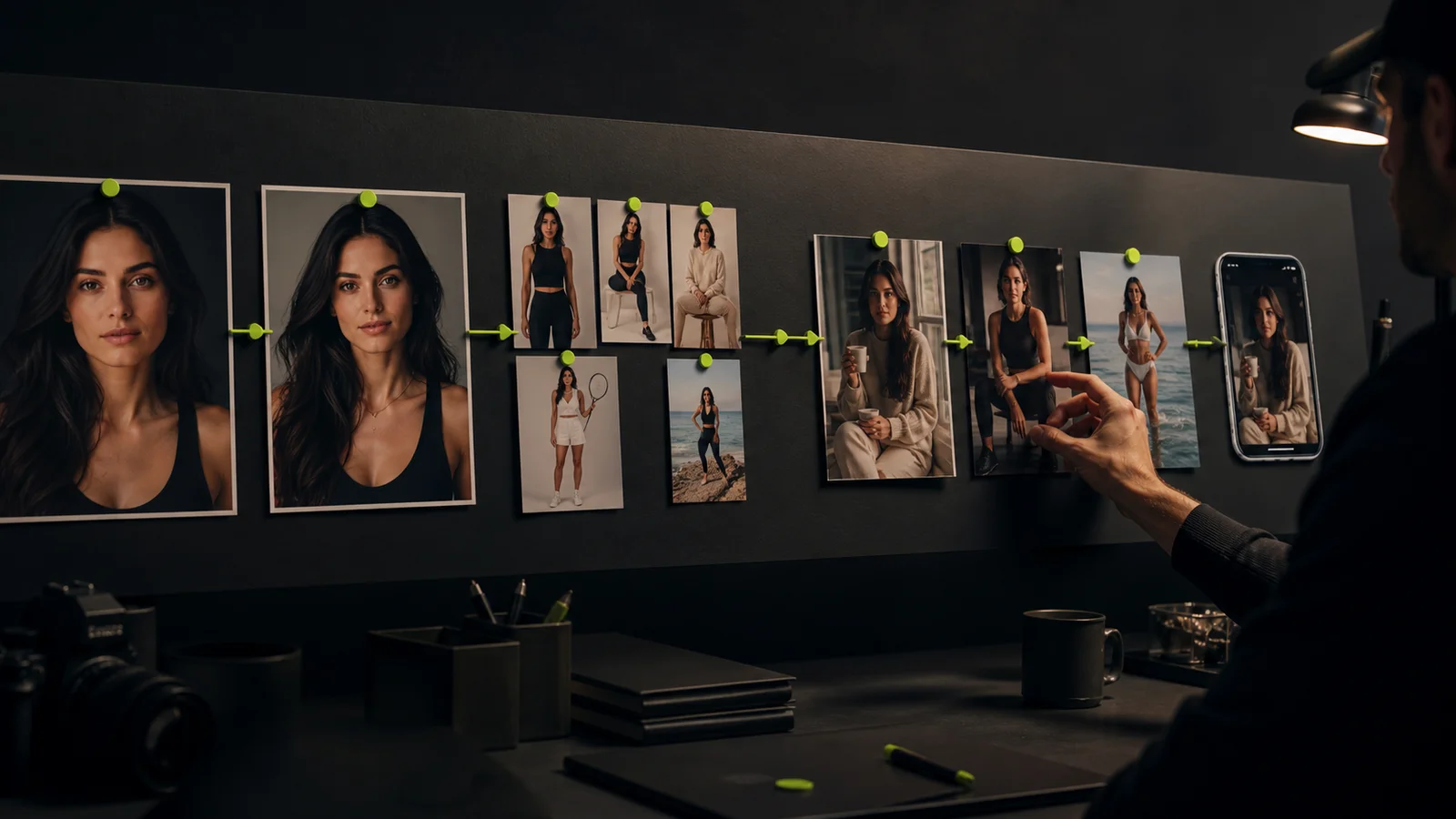
An AI generated model can be useful for campaign concepts, recurring visual characters, and creative variations. The production challenge is to preserve both the character and the information a viewer needs about the product. An attractive image is not automatically an accurate product image.
Start by deciding whether the output is a mood concept, an advertising asset, or a product-detail image. Each has a different acceptance standard. A fictional scene can communicate a creative direction; a product page must not quietly change the item a customer expects to receive.
Define the deliverable before choosing references
Write the intended placement, aspect ratio, audience, and message. Identify the product details that must remain accurate: shape, color, material, markings, packaging, and any visible functional feature.
Keep approved product photography separate from character and scene references. The product image is a comparison source for factual detail. The identity reference guides the character. A scene reference supplies composition or mood. Combining all three without clear roles makes it harder to diagnose errors.
Use sources you own or have permission to use. The digital model guide explains the broader category; this article concentrates on moving a campaign asset through production and review.
Use three levels of acceptance
| Asset type | What it can communicate | What needs review |
|---|---|---|
| Internal concept | Mood, composition, and a possible direction | Clear concept labeling and reference suitability |
| Campaign creative | A reviewed story or visual message | Character, product details, copy, and destination |
| Product-detail asset | Information used to evaluate the actual item | Accurate appearance and any implied product behavior |
Do not let an internal concept become a public product image simply because it received positive creative feedback. Record a separate approval for the intended public use.
Build the scene around an approved identity
Begin with a character image that passes review. Test the identity across the framing needed for the campaign before adding complex movement, accessories, or product interactions.
In Fanerse Studio, use a permitted creator reference and available pose, scene, or reshoot controls to develop the composition. Compare the outputs with the approved identity. The platform's identity guidance does not establish product fidelity, garment fit, or physical performance.
For example, a generated fashion scene may suggest a useful lighting direction while altering a seam or the shape of a sleeve. That makes it a candidate for correction or concept use, not proof that the clothing will fit that way.
Review product details independently
Place the candidate image next to the approved product reference. Check one category at a time instead of relying on the overall impression.
- Geometry: Shape, proportions, closures, handles, and edges.
- Surface: Texture, color, patterns, and reflections.
- Text: Labels, logos, instructions, and packaging copy.
- Interaction: How the character holds, wears, or uses the item.
- Context: Whether the scene implies a capability or result that has not been verified.
If the product keeps changing, simplify the composition or use an approved product image in a controlled editing workflow. Do not keep regenerating until a plausible-looking substitute is mistaken for the original item.
Introduce motion only after the still is accepted
Image-to-video adds another review dimension. A product label can change across frames, a handle can move incorrectly, or the creator's face can drift during a turn. Review the whole clip, not just the selected thumbnail.
Start with a modest motion brief and preserve the source still. Compare the opening, middle, and ending with the approved image, then watch continuously. If the shot fails on a critical product detail, return to the source or simplify the action.
The image-to-video workflow provides a useful sequence for this stage. Enhancement and upscaling belong after content accuracy and identity have passed review.
Keep claims and licensing in the brief
Every commercial asset should have an owner for product facts and an owner for creative approval. These can be the same person, but the two decisions remain distinct. A model's appearance does not provide evidence for a product outcome or a personal testimonial.
Record the intended uses of the character reference, product assets, music, voice, and final output. Resolve unclear permissions with the appropriate rights holder or adviser before release. This production record does not create rights that the source material lacks.
Marketplace creator listings and Links content packs in Fanerse have their own conditions. They do not substitute for approval of a brand's product claims or define every license needed for a client campaign.
Run a controlled campaign pilot
Choose one product, one character, and a small set of placements. Prepare a clear brief, generate concepts, select candidates, correct them, and approve the final exports. Save the review notes and published destinations.
Measure accepted assets, revision causes, production effort, and the relevant campaign result separately. A low generation cost does not establish a low cost per usable product image if manual correction dominates the work.
Use Fanerse Studio for the creator-image stage and keep approved product references central to the review. Scale only the variations that preserve the product facts and meet the destination's requirements.