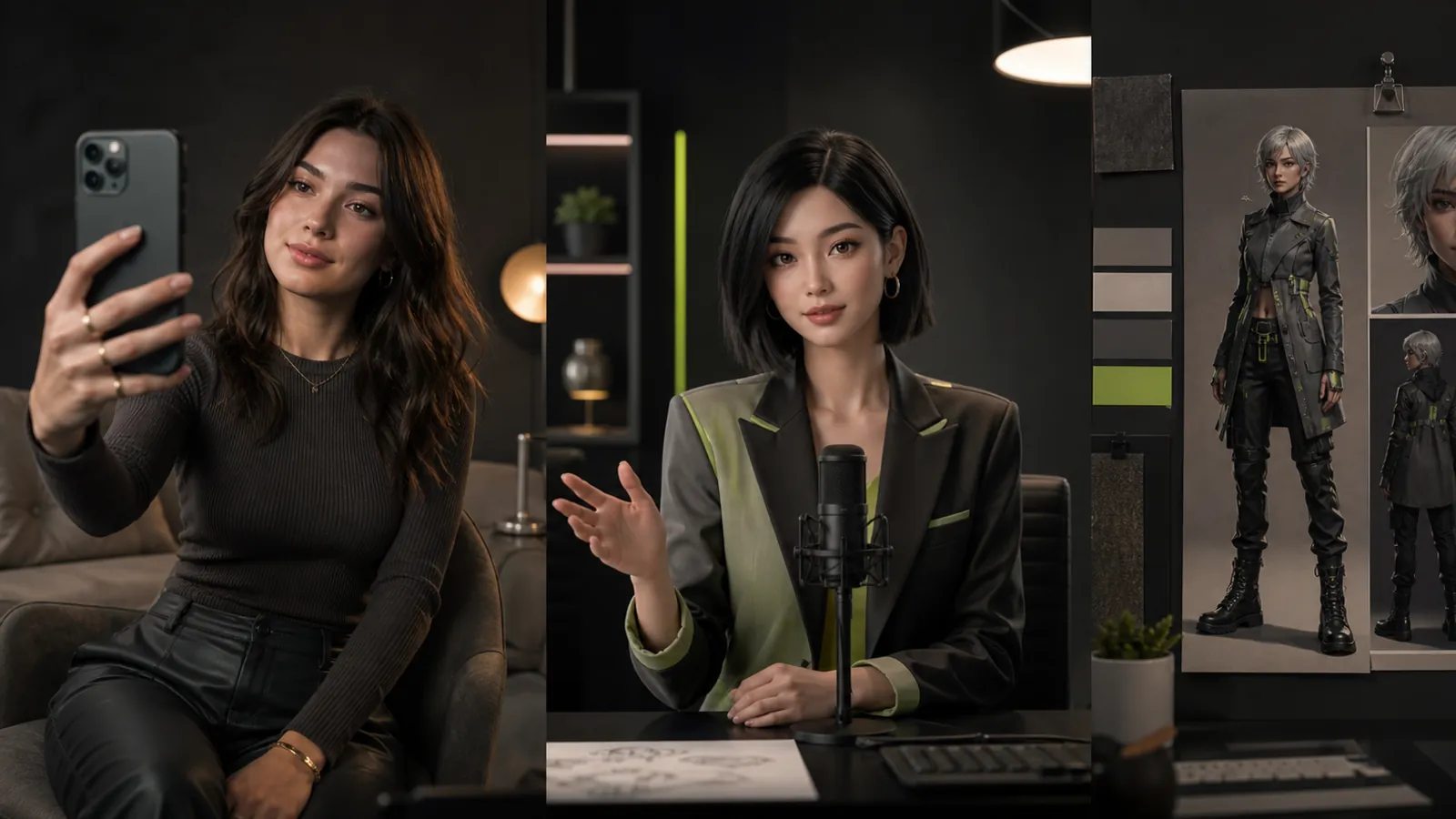
The difference is the job, not the image model
An AI image generator and an AI influencer platform can both produce synthetic images, but they organize work around different outcomes. A general generator turns a prompt or reference into an image. An influencer platform is organized around a recurring virtual persona and the steps needed to create more content for that persona over time.
Neither category is automatically better. For one campaign concept or illustration, a flexible image generator may be enough. When the same intended identity must return across poses, scenes, and posts, a creator-centered platform may reduce repeated manual setup.
What an AI image generator is built to do
A general AI image generator treats the image as the primary unit of work. You describe an output, provide optional references or controls, generate variations, and select a result. The tool may support many visual styles and subjects because it is not limited to a creator workflow.
That breadth is useful for exploring art direction, backgrounds, compositions, and unrelated subjects. The tradeoff is that a recurring persona may depend on your own prompts, reference files, naming rules, and review process.
What an AI influencer platform is built to do
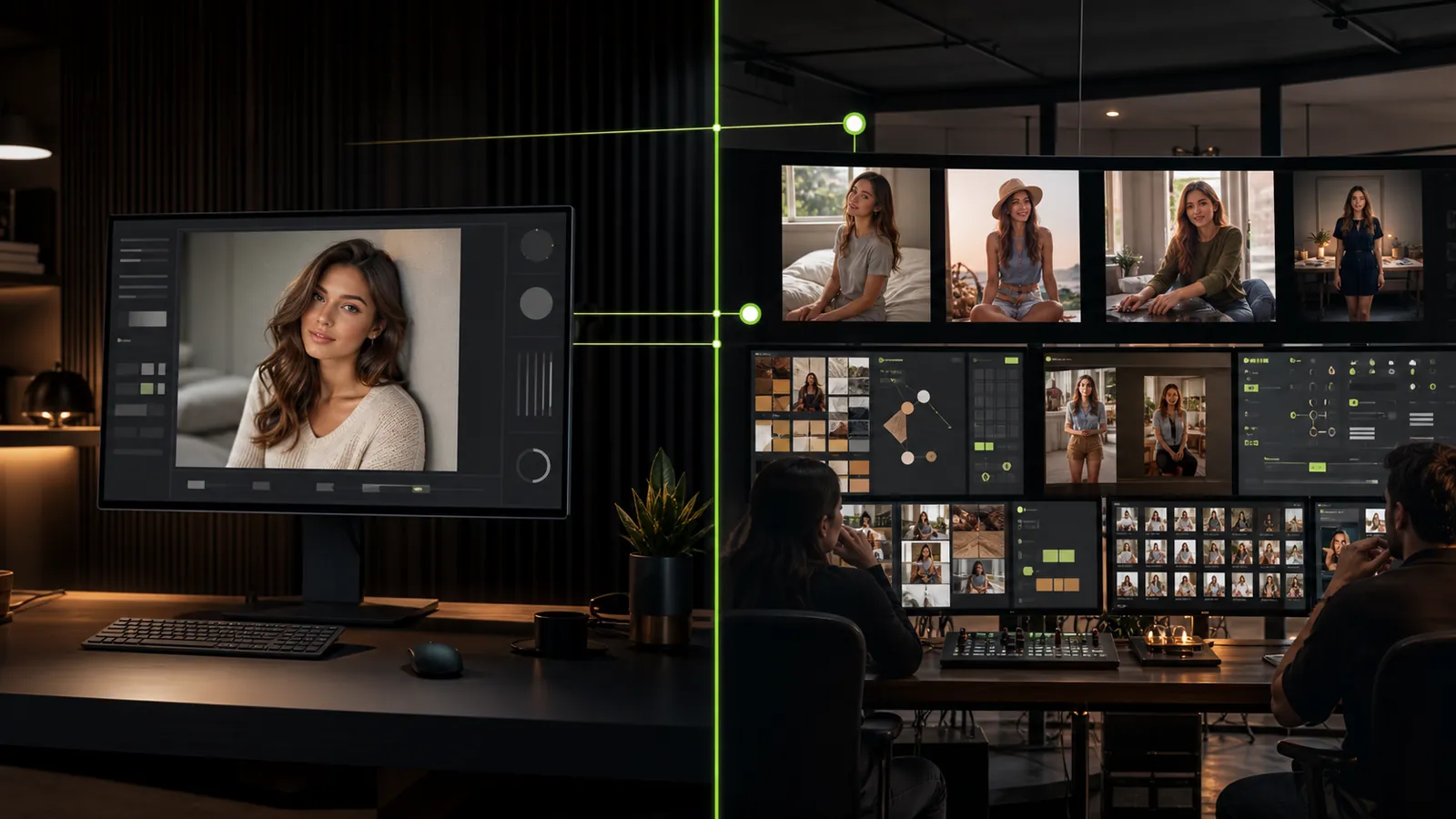
An AI influencer platform treats the creator identity as the primary unit of work. Instead of beginning every session with an unrelated prompt, the workflow starts from a creator configuration and authorized references. New images become additions to that creator’s content library.
This does not mean every output will be identical or ready to publish. Generative results vary. The category’s value is the structure around recognizable continuity: keeping references together, returning to the same intended persona, guiding new poses and scenes, and reviewing the resulting series.
If the category is new to you, begin with the guide to what an AI influencer is. The practical distinction is that an influencer workflow supports repeated production, not merely one successful image.
Side-by-side workflow comparison
| Area | General AI image generator | AI influencer platform |
|---|---|---|
| Primary object | An individual image or generation task | A creator identity and its growing content library |
| Starting point | Prompt, canvas, or optional reference | Creator configuration plus authorized references |
| Identity continuity | May require repeated manual setup and testing | Workflow is organized to support recognizable continuity |
| Scene variation | Broad generation across subjects | New poses and scenes connected to one intended persona |
| Asset organization | Often organized by project or history | Typically organized around the creator and outputs |
| Review question | Is this image useful? | Is it useful and recognizable as the intended creator? |
| Best fit | Exploration and unrelated visual tasks | Ongoing virtual creator content workflows |
When a general image generator may be enough
- You need a small number of unrelated visuals.
- Character continuity is not important.
- You already manage references, versions, and approvals elsewhere.
- Your work spans many subjects and no persona needs to persist.
In these situations, a broad tool can keep the workflow simple. Adding a platform layer before recurring identity matters may create organization without solving a real problem.
When an AI influencer platform may fit better
- The same virtual persona must appear in a sequence of posts.
- Several people need to know which references and outputs belong to that creator.
- You want new scenes without rebuilding identity setup each time.
- You need a repeatable review process for generations.
- You manage more than one virtual creator and must separate their assets.
The key word is workflow. A platform should reduce repeated setup and make the content process easier to understand. It should not be chosen merely because it uses the word “influencer.”
The hidden work around recurring identities
Using a general generator for an ongoing persona may require reference folders, prompt templates, generation notes, file names, rejected outputs, and approval status outside the tool. A well-designed external process can work, but it is part of the true workflow cost.
A creator-centered platform moves some structure into the product. Test whether it actually does. Generate one intended adult persona in controlled scenes, then check whether you can identify the reference, understand settings, compare outputs, and return to the creator later. Read the guide to AI creator identity continuity before designing the test.
Compare output quality without cherry-picking
Use the same authorized reference and scene brief when possible. Review every output at full size, including generations you would discard. Check identity cues, anatomy, lighting, objects, reflections, background coherence, and fit for the intended context.
Separate two questions: which tool produced images you would approve, and which workflow made those images easier to produce and manage? Strong organization does not guarantee every image, while one strong image does not solve ongoing creator operations.
Check product scope and commercial terms directly
Do not assume that “platform” includes every adjacent feature. Video, collaboration, publishing, analytics, marketplaces, APIs, and commercial-use terms must be verified individually in the current product and plan. Roadmap language is not proof that a function is available today.
Compare the full workflow cost: plan terms, creator limits, credits per operation, rejected attempts, exports, and manual work outside the tool. For Fanerse, verify current details on the pricing page rather than relying on an older article.
Rights and consent do not change by category
Both tool types require responsible inputs and outputs. Upload only references you own or have permission to use. Do not use a real person’s likeness without valid consent, create deceptive impersonations, or use images of minors. Review storage, deletion, reporting, and prohibited-content rules before production use.
Fanerse publishes its current user responsibilities in the Content Policy. Operators should also decide how AI-generated media will be documented and disclosed in their asset and publishing process.
A simple decision process
- List the outputs and publishing cadence you need.
- Decide whether identity continuity is essential or optional.
- Run the same authorized-reference test across multiple scenes.
- Count manual steps for setup, review, organization, and export.
- Verify live capabilities, rights, limits, and commercial terms.
- Choose the workflow with the clearest evidence for your use case.
Choose an AI image generator for image-first work. Choose an AI influencer platform when the recurring creator—and the process around that creator—is the real product.
Where Fanerse fits
Fanerse is positioned as an AI influencer platform rather than a blank image canvas. Its workflow begins with an authorized reference and creator configuration, then uses identity-guided generation for new poses and scenes. Users still review each result because recognizable continuity is a design goal, not a guarantee.
Examine the Fanerse creator workflow, browse reference poses and scenes, and compare that process with the manual setup your current image generator requires. The right choice removes meaningful work while preserving your standards for quality, rights, and review.