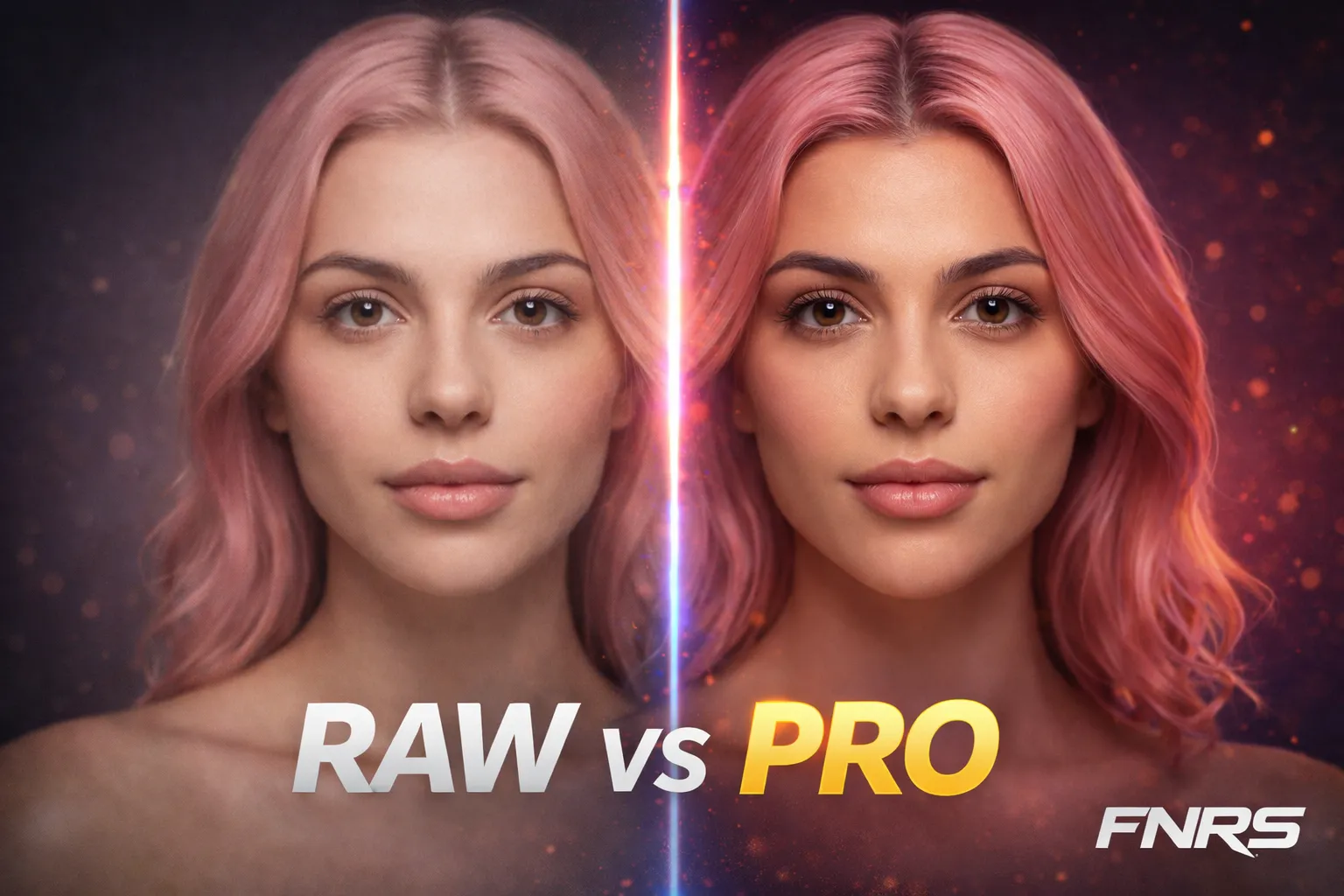
The gap between "good AI image" and "professional content" isn't in the generation — it's in the post-processing. A well-enhanced image commands higher prices, gets better engagement, and builds more credible creator brands. Fanerse includes three enhancement tools that handle this automatically.
Face Beauty (2 Credits)
The highest-ROI enhancement available. Face Beauty runs a CodeFormer pass on your image that refines facial details — smoother skin texture, sharper eyes, more defined features, corrected micro-artifacts around the mouth and nose.
When to use it:
- Every close-up portrait and selfie-style image. Always.
- Any image where the face is the primary focus.
- Images you're using as preview items for Link Packs — these are your sales pitches.
When to skip it:
- Full-body shots where the face is small in frame — the enhancement won't be noticeable.
- Group or environmental shots where the scene matters more than facial detail.
- Batch content for high-volume posting where the quality bar is lower.
At 2 credits per image, the cost is minimal. For any content going to main feeds, Link Pack previews, or premium collections, Face Beauty should be automatic.
Image Upscale — HD (6 Credits) and 4K (12 Credits)
Standard generation produces images that are good for social media feeds. Upscaling takes them to HD or 4K resolution — sharp enough for full-screen viewing, printing, or zoomed-in examination.
HD Upscale (6 credits): 2x resolution increase. The practical default for premium content. Most social platforms compress images anyway, so HD provides the quality ceiling for digital distribution.
4K Upscale (12 credits): 4x resolution increase. Use this for hero images, cover photos, print-quality output, or any content where someone might view it at maximum size. The quality is genuinely impressive — fine skin texture, fabric detail, and environmental elements are all sharper.
The strategic approach: Don't upscale everything. Generate at standard quality for speed and credit efficiency. Curate your best images, then upscale only the top performers. A realistic ratio: 70% of content stays at standard quality, 20% gets HD upscale, 10% gets 4K for premium.
Video Enhancement (30 Credits)
Video enhance takes generated video to 1080p at 60fps using Topaz Labs processing. The improvement is significant: smoother motion, reduced artifacts, sharper details, more natural skin rendering in movement.
When to enhance: Main feed Reels, hero video content for Link Packs, any video that will represent your creator's brand quality. The cost is high (30 credits), so reserve it for content that will be seen widely or sold at a premium.
When to skip: Instagram Stories (they compress and disappear in 24 hours), test videos, high-volume content where individual video quality matters less.
The Enhancement Workflow
For maximum efficiency, enhancement should be the last step in your production pipeline:
- Generate in batches at standard quality.
- Curate — select the top 30-40% of output.
- Face Beauty — apply to all close-ups and portraits in your curated set.
- Upscale — HD for premium content, 4K for hero images.
- Video convert — turn your best stills into video clips.
- Video enhance — apply to videos going to main feeds or Link Packs.
This ordered workflow means you never waste enhancement credits on images that don't make the cut. Generate first, curate second, enhance third.