The dirty secret of most AI image platforms is that they're essentially prompt boxes with a "generate" button. Your results are only as good as your ability to describe exactly what you want in words — the camera angle, the lighting, the pose, the outfit, the mood, the environment, all in a single text prompt.
That's prompt engineering, and it's a skill that takes weeks to develop. Most people never get good at it. They write "woman in kitchen" and get mediocre results, not understanding that they needed to specify "shot on Canon R5 at 35mm, natural morning light from east-facing window, shallow depth of field, lifestyle photography aesthetic, warm color grading."
Fanerse takes a completely different approach. Instead of writing prompts, you browse.
The Reference Library
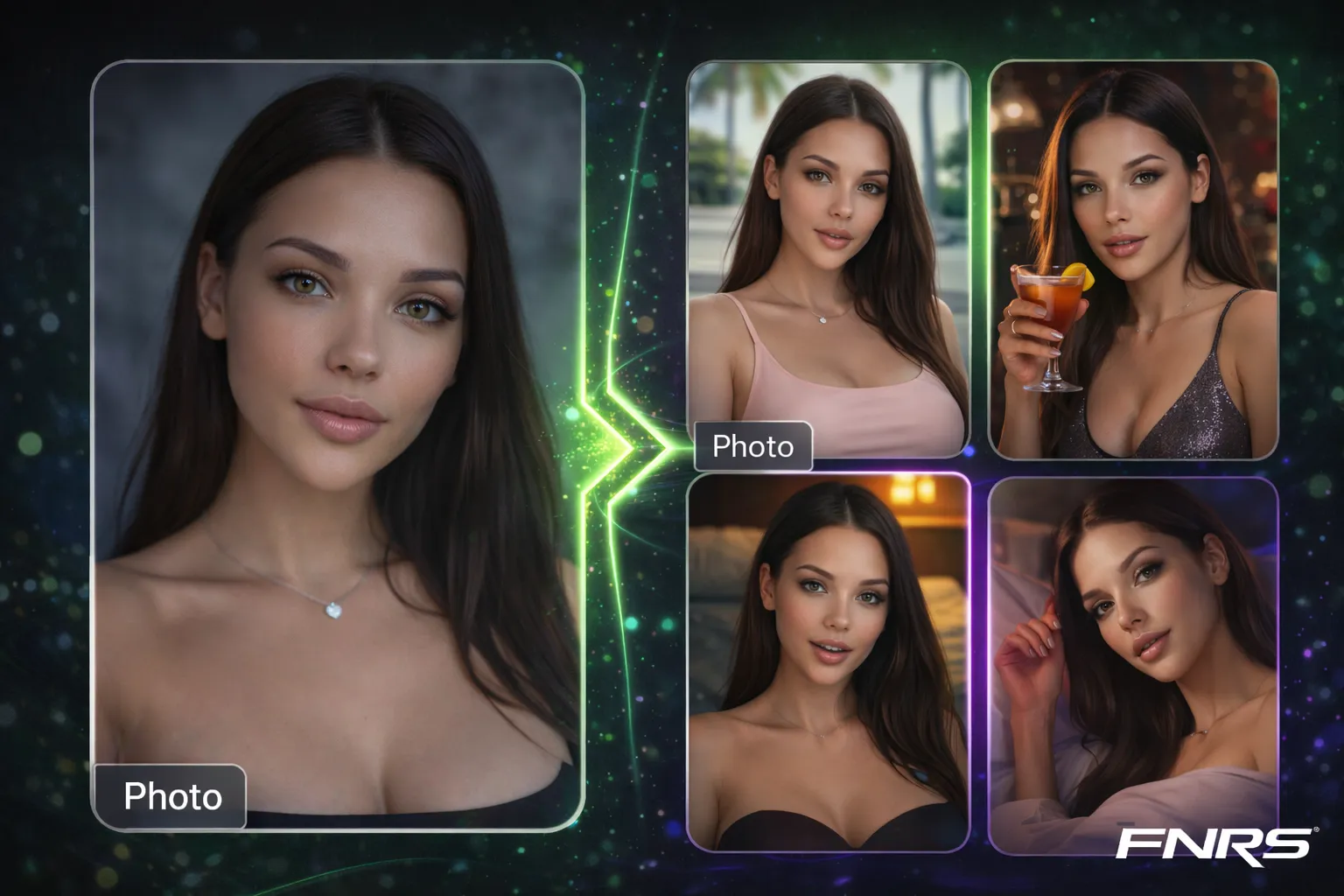
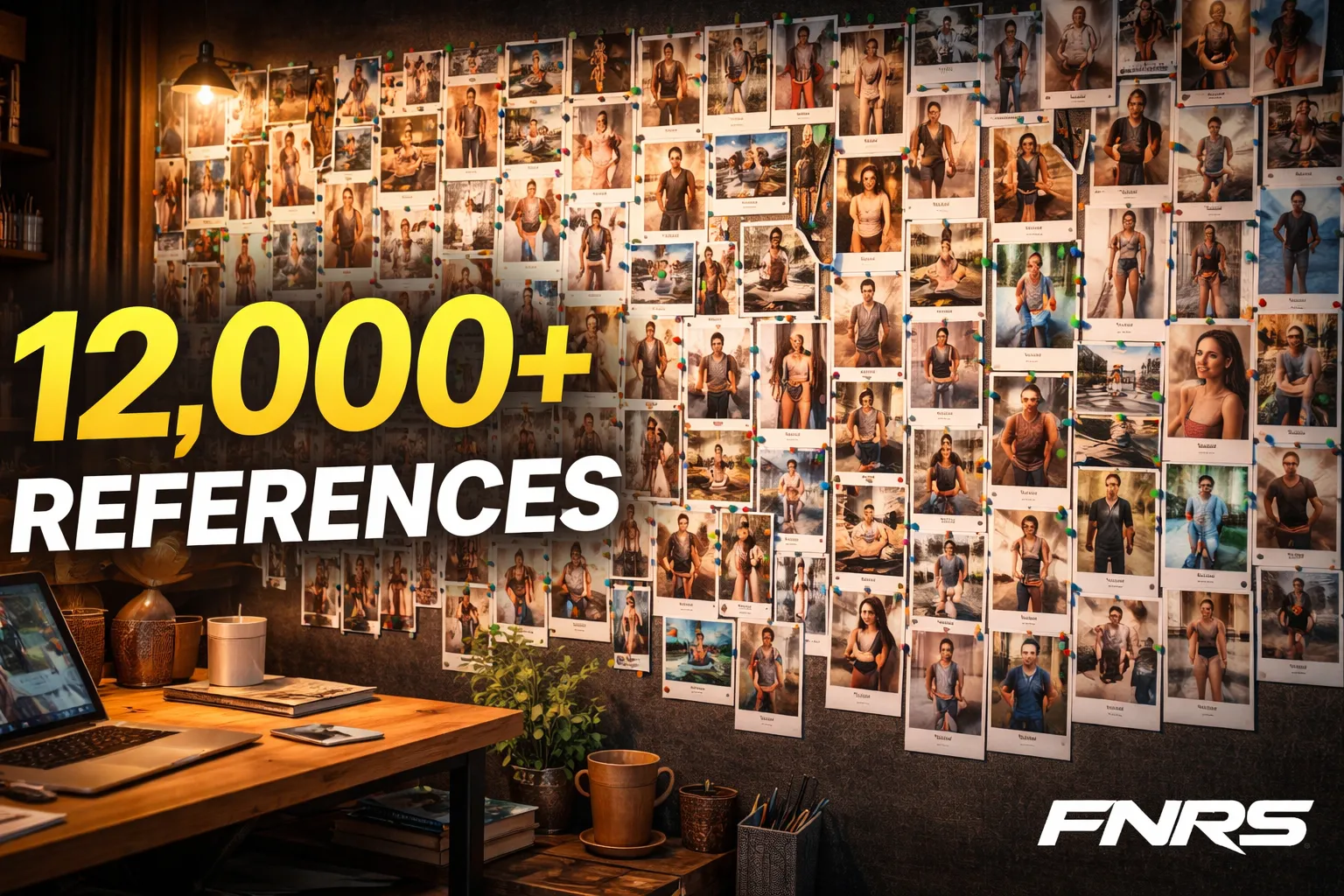
The Fanerse Reference Library contains over 12,000 curated reference assets — real photographs that have been professionally analyzed and tagged with detailed metadata. Each reference captures a specific combination of pose, camera angle, lighting, outfit style, environment, and mood.
When you generate content using a reference, the AI doesn't just look at the image — it reads the comprehensive analysis that's been extracted from it: the exact camera angle (high angle, eye level, low angle), the body positioning, the lighting direction, the environmental context, the emotional tone, the outfit type, and more.
This analysis becomes the prompt. You never write a word. You just browse, click, and generate.
Three-Dimensional Filtering
Finding the right reference among 12,000+ assets could be overwhelming without good organization. Fanerse uses a three-dimensional filtering system:
- Scene — Where is the shot happening? Gym, bedroom, outdoor, pool, kitchen, rooftop, street, cafe, studio, bathroom, etc.
- Style — What's the aesthetic? Casual, fitness, fashion, editorial, intimate, professional, bohemian, streetwear, etc.
- Mood — What's the emotional tone? Confident, playful, sultry, peaceful, energetic, mysterious, joyful, etc.
Combine any three dimensions and you get precisely targeted results. "Gym + Fitness + Energetic" gives you high-energy workout poses. "Bedroom + Casual + Peaceful" gives you cozy morning content. "Rooftop + Fashion + Confident" gives you power poses with city views.
How References Produce Better Results Than Prompts
Here's why the reference approach consistently outperforms text prompts:
Visual intent is captured perfectly. A reference photo communicates hundreds of visual details simultaneously — the exact arm position, the body weight distribution, the direction of gaze, the fabric draping, the shadow angles. Describing all of this in text would require paragraphs. A reference communicates it instantly.
Consistency across generations. When you use the same reference with multiple creators, you get the same pose and composition every time. This is incredibly powerful for A/B testing which creator performs best with a particular content style.
Discovery over description. Many of the best content ideas come from browsing, not from pre-planning. Scrolling through references, you'll spot poses and compositions you would never have thought to describe in words. The library becomes a creative inspiration tool, not just a generation helper.
Collection Presets
For quick access to popular content types, Fanerse includes curated collection presets — pre-filtered reference groups organized by popular themes: Gym Motivation, Street Fashion, Lifestyle Daily, Pool Day, Night Out, Morning Routine, and more.
These presets are perfect for when you know the general category of content you want but don't have a specific pose in mind. Browse the preset, find a reference that catches your eye, and generate. The entire process from "I want gym content" to finished image takes under 30 seconds.
Combining References with Director Mode
For users who want reference-guided content with additional control, References and Director Mode work together seamlessly. Select a reference for the base pose and composition, then use Director Mode filters to adjust lighting style, camera angle tweaks, outfit modifications, or mood shifts.
This gives you the best of both worlds: the precise visual direction of a reference photo plus the fine-tuning control of Director Mode filters. All without writing a single prompt.