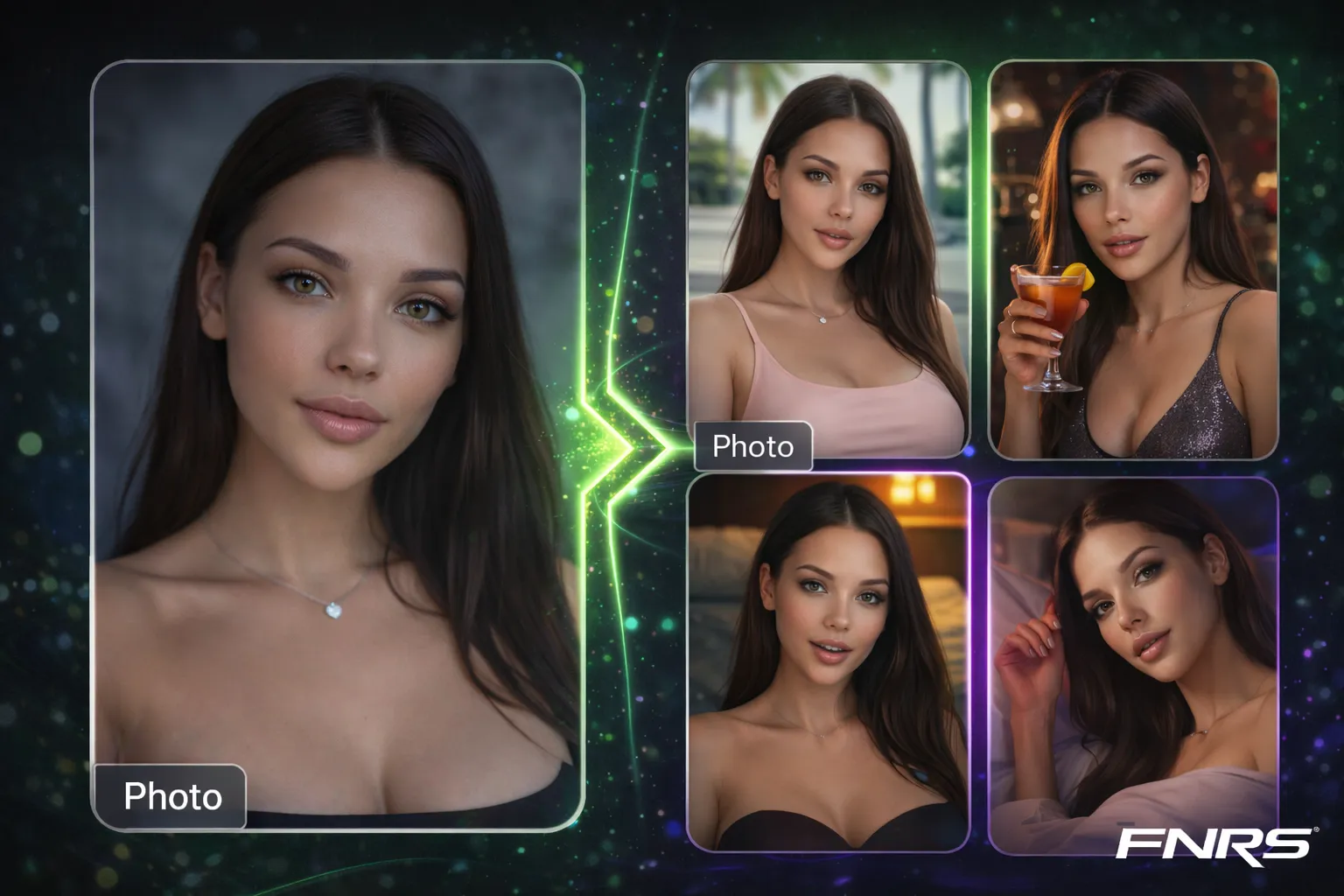
Social media in 2026 is video-first. Instagram prioritizes Reels. TikTok is video-only. Even Twitter's algorithm favors video content over static images. If your AI creator only produces photos, you're leaving engagement — and money — on the table.
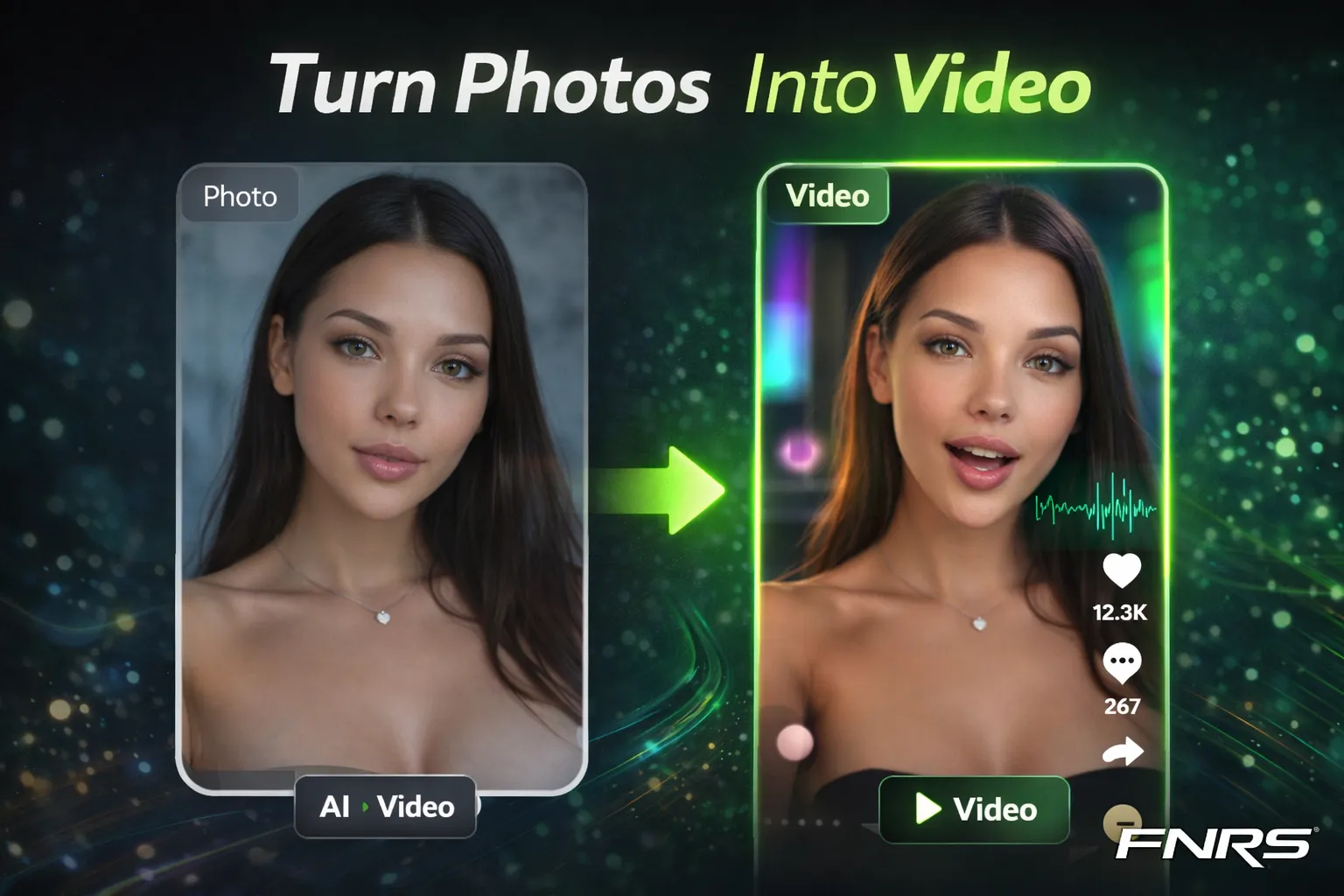
Fanerse doesn't just generate images. It has a complete video pipeline that turns your existing AI photos into short-form video, talking-head content, and enhanced footage ready for any platform.
Image-to-Video: Bring Still Photos to Life
The most straightforward video feature takes any generated image and adds natural motion — subtle head turns, hair movement, blinking, body sway, and environmental animation. The result is a 5-6 second clip that feels like a filmed moment rather than a static photo.
This is powered by multiple video models working in sequence. For standard content, Grok processes the conversion with natural, photorealistic motion. If that model is busy, the system automatically falls back to Seedance for comparable quality. For private content, dedicated models handle the generation without content restrictions.
Cost: 42 credits for normal video, 72 for private extreme. Each video is short-form optimized — perfect for Stories, Reels, and TikTok.
Best practice: Generate video from your strongest images — the ones with clear faces, good composition, and interesting poses. Not every image makes a good video. Close-ups with eye contact and slight body angles produce the most natural-looking motion.
Talking Video: Your Creator Speaks
This is where things get genuinely impressive. Talking video lets your AI creator actually speak — with lip-synced audio that matches their mouth movements naturally.
The process is two-phase:
- Phase 1: Text-to-Speech — You write the script, and the system generates spoken audio using F5-TTS with your creator's cloned voice. If you've uploaded a voice reference for your creator, the speech sounds like them, not a generic AI voice.
- Phase 2: Lip Sync — The audio is combined with either a still image (via InfiniteTalk) or an existing video (via PixVerse lip-sync) to produce natural lip movements that match the speech.
Use cases: Intro videos for social profiles, greeting messages for fans, promotional clips for Link Packs, story-time content, reaction videos, and personalized messages that make your creator feel alive.
Voice cloning: Upload a voice reference sample for your creator and all TTS output will use that voice. This means your creator has a consistent visual identity AND a consistent voice — a level of character depth that most AI platforms can't touch.
Video Enhancement
Generated videos look good. Enhanced videos look professional. The video enhance feature upscales output to 1080p at 60fps using Topaz Labs processing via Replicate. The difference is immediately noticeable — smoother motion, sharper details, more natural skin textures.
Cost: 30 credits per enhancement. Worth it for hero content that'll be posted to main feeds. Skip it for throwaway Stories content where the quality difference won't be noticed.
Video Strategy for AI Creators
Not every image should become a video. Here's a practical framework for deciding what to convert:
- Convert to video: Hero images for main feed posts, content with strong eye contact, dynamic poses, images in interesting environments.
- Add talking: Introduction content, Link Pack promotions, "good morning" style daily posts, responding to comments or trends.
- Enhance: Any video going to your main feed (not Stories). The quality difference between standard and enhanced is worth the credits for permanent content.
- Skip video: Batch content for volume, images where the pose is too static, content meant for image-only platforms.
The goal isn't to convert everything to video. It's to have a strategic mix: 70% images for volume and variety, 30% video for engagement and algorithm favor. That ratio maximizes both production efficiency and platform performance.